Posts

Using Web Content on POS
Image
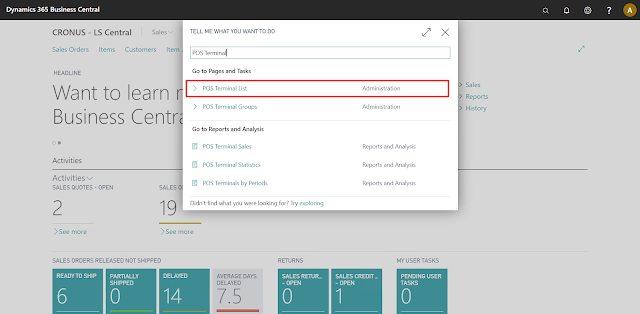
Introduction LS Central allows us to use HTML content on the POS which includes both Text and Images. Users can add extra information related to the Items here which can assist in the POS Users to make the sales much more efficiently. In this blog, I’ll be demonstrating how to configure the same. Pre-requisites Microsoft Dynamics 365 Business Central LS Central v16 References LS Central Documentation Configuration Open Business Central and search for POS Terminals. Open the POS Terminal for the current Store and set the “Item HTML” and “Item Image” property to true. Search for Retail Items and open the Item you want to add description and image for. Open the Item Card and Go to Navigate -> Master Data -> Item HTML. Here you can specify the description for the Item that you want to be displayed on the POS and click on Save. For instance: After that go to Navigate -> Master Data -> Images and click on New. Click on Import and select the Image of that Item and then Click on OK...
Using POS Tags

Image
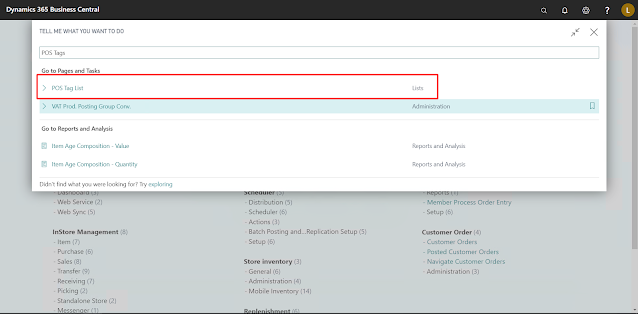
Introduction Tags are small pieces of Information that we can display on the POS. This information may be a field from a table or just some text. If we are using a field from some table, it is necessary that, the table can be referenced using only the fields available in the current “POS Transaction” record. There are multiple types of Tags available like: System :- These Tags display system information. Transaction :- These Tags display information regarding the current Transaction. Session :- These Tags display information regarding the current Session. Pre-requisites Microsoft Dynamics 365 Business Central LS Central References LS Central - Tags Configuration In most cases, we are going to use “Transaction” type Tags so let take an example. In this example, we are going to create a Tag which will display the manager of the Store. To create a Tag: Search for POS Tag in BC Create a new POS Tag, by convention the naming is <#TagName> so we are going to follow the same. Since th...